A clipping workflow has six steps: find the moments, edit, caption, post, track and review. Each step has a few strong tools, and most teams mix an editor, an AI clipping tool and a scheduler.
AI clipping tools find moments fast, but every platform tells you to check the output. YouTube says you should always review automatic captions, and the best clips are still picked and cut by a person.
The tool matters less than the rules. YouTube, TikTok and Instagram all hold back reused content with nothing new added, so the edit has to make each clip meaningfully different from the source.
No tool here paid to be listed, and we leave out prices because they change often. Check each tool's own site for current plans.
1. Finding the moments: AI clipping tools
The slowest part of clipping is watching hours of footage to find the thirty seconds worth posting. AI tools now do a first pass:
- OpusClip. Takes a link or a raw recording and clips, edits, resizes and publishes it to social platforms.
- Vizard. Uses AI to turn long-form videos into short clips for TikTok, Instagram and YouTube Shorts.
- Riverside Magic Clips. An AI clip generator that “spots the moments that matter” in a recording, a good fit for podcasts recorded on Riverside.
- Descript. Makes an instant transcript of every recording, so you can find a line by searching the text and cut the video by editing the words.
- Submagic. Adds captions, cuts, B-roll, zooms and music to a short automatically, useful for fast talking-head clips.
Treat AI picks as a shortlist, not the final cut. The tools find loud or quotable moments well, but they don’t know which line your audience cares about, which claim needs checking, or which hook fits the account.
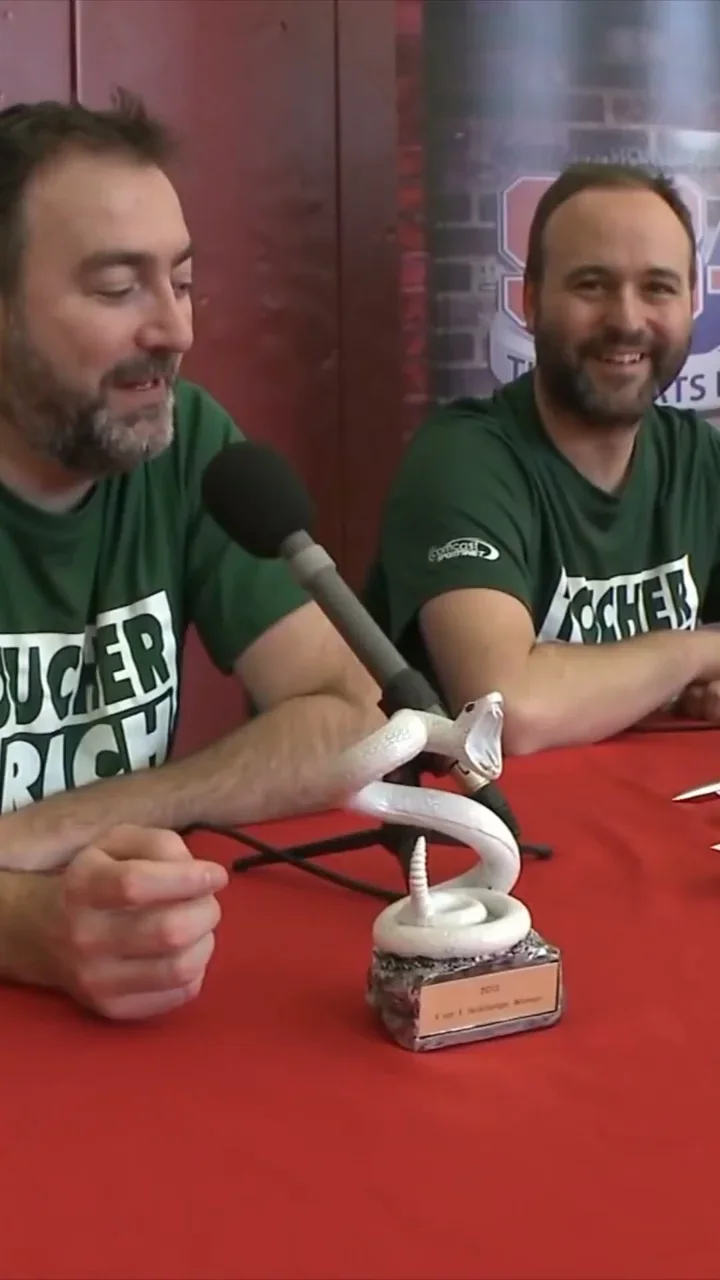 8.4M views
 846K views
 2.9M views
2. Editing
- Adobe Premiere. Auto Reframe changes the aspect ratio and keeps the subject in frame, and Text-Based Editing lets you trim and reorder clips from the transcript.
- DaVinci Resolve. The free version handles most 8-bit formats up to 60fps and Ultra HD, and Smart Reframe helps set up vertical and square timelines.
- Final Cut Pro. Fits videos to different aspect ratios for social, and Transcript Search finds spoken phrases across your footage.
- CapCut. The desktop editor can change aspect ratio while keeping the subject in frame. If you use its built-in music, effects or templates on client work, check the terms: commercial use depends on the product and its materials licence.
For a team, the right editor is the one every editor already knows. Shared presets for captions, colour and safe zones matter more than the brand of software.
3. Captions
Captions help a clip land in the first second. Every major editor now makes them from the audio, and so do the platforms: YouTube and TikTok both generate captions automatically. The catch is accuracy on names, numbers and slang. YouTube’s own advice: “You should always review automatic captions and edit any parts that haven’t been properly transcribed.” A wrong number in a finance or crypto clip is worse than no caption.
4. Posting and scheduling
- Native schedulers. TikTok lets you schedule videos from 15 minutes to 10 days ahead, YouTube can schedule a private video to go public at a set time, and Meta Business Suite plans Facebook and Instagram posts in one calendar.
- Third-party schedulers. Tools such as Buffer, Later and Metricool put several platforms and accounts in one calendar, which helps once a team runs more than a handful of accounts.
Whatever you use, post every day and keep a log of what went out where. Consistency is what compounds.
5. Tracking
- 01Platform analyticsYouTube’s Reach card shows impressions, click-through rate, views and unique viewers; TikTok Studio and Instagram Insights show views, audience and timing for each post.
- 02Tagged linksFor clicks, tag every link. Google says you “should always use utm_source, utm_medium, and utm_campaign”, and treats different capital letters as different values, so agree one naming scheme and stick to it.
- 03Per-view payoutsClipping campaigns that pay many creators often run on platforms such as Whop’s Content Rewards, where approved posts are paid automatically by the number of views they get.
Views alone don’t tell you what works. Read views, link clicks and click-through rate per account, then re-cut the winners.
6. Review and handover
A clipping team ships dozens of videos a week, so review has to be fast. Frame.io collects feedback on videos from clients and teams, Descript lets reviewers comment from a shared link, and Google Drive shared drives keep source footage and finals in one place with edit, comment or view permissions. The rule that matters: every clip is checked by a person before it posts.
The rules that decide reach
No tool fixes a clip the platforms won’t show. All three big platforms now hold back reposts with nothing new added:
- YouTube. Its reused content policy covers channels that repost content “without adding significant original commentary, substantive modifications, or educational or entertainment value”, and it applies even with the original creator’s permission. YouTube allows reused content “if viewers can tell that there’s a meaningful difference”. In July 2025 it also renamed its repetitious content policy to inauthentic content. On rights, giving credit does not by itself give you the right to use someone’s content.
- TikTok. Content is ineligible for the For You feed if it includes unoriginal or reused material without anything new.
- Instagram. When it finds identical copies, it only recommends the original, and accounts that keep reposting other people’s content without materially improving it are left out of recommendations.
That is the real job of a clipping team: work with the creator or brand that owns the footage, and make every clip a new piece, with its own hook, cut, captions and framing. On YouTube, Shorts that remix a video are credited back to the original, which turns clips into a discovery route for the long-form channel.
Tools or a team?
Tools make each step faster, but someone still has to pick the moments, cut the hooks, check every caption, post every day and read the numbers. If you are deciding whether to build that yourself, see clipping agency vs hiring an editor and how to choose a clipping agency. Convrt’s clipping agency and content repurposing agency services are one team that edits and posts every day on accounts you own, with every video checked by a manager before it goes out. New to the model? Start with what content clipping is.
Want this run for you on accounts you own? See how Content Teams works →
Frequently asked questions
Most use a desktop editor (Premiere, DaVinci Resolve, Final Cut Pro or CapCut), an AI clipping or transcript tool to find moments faster (such as OpusClip, Vizard, Descript or Riverside Magic Clips), a captions tool, a scheduler or the platforms' own schedulers, platform analytics plus UTM-tagged links for tracking, and a review tool such as Frame.io or shared drives.
Not fully. AI tools are quick at finding moments, reframing to vertical and adding captions, but the platforms tell you to review automatic captions, and reach depends on the clip being meaningfully different from the source. Picking the right moment, cutting the hook and checking the output still take a person.
Only with the rights to the content and only if you add something new. YouTube says credit alone does not give you the right to use copyrighted content, and its reused content policy applies even with the original creator's permission if nothing meaningful is added. TikTok and Instagram also keep unoriginal reposts out of recommendations.
With each platform's own analytics (YouTube Analytics, TikTok Studio, Instagram Insights) for views and reach, and UTM-tagged links in Google Analytics for clicks. Google says tagged links should always use utm_source, utm_medium and utm_campaign, typed the same way every time.
Some do. Platforms such as Whop's Content Rewards connect brands with creators who post clips and are paid for the views they get after the brand approves each post. Agencies that run owned accounts work differently: their own team edits and posts on accounts the client owns.
- Adobe, Premiere Auto Reframe
- Adobe, Premiere product page
- Blackmagic Design, DaVinci Resolve
- Blackmagic Design, DaVinci Resolve what's new
- CapCut, desktop video editor
- CapCut, terms of service
- Apple, Final Cut Pro
- OpusClip
- Vizard
- Descript
- Submagic
- Riverside, Magic Clips
- YouTube Help, remixing content into Shorts
- YouTube Help, automatic captions
- YouTube Help, scheduled publishing
- YouTube Help, Reach tab in YouTube Analytics
- YouTube Help, monetisation policies and reused content
- YouTube Help, fair use and copyright
- TikTok Newsroom, introducing auto captions
- TikTok for Business, video scheduler
- TikTok, integrity and authenticity guidelines
- Instagram, recommendations and originality
- Meta, Meta Business Suite
- Google Analytics Help, URL builders and UTM parameters
- Whop docs, Content Rewards
- Frame.io
- Google Workspace, Google Drive